
Prototyping & Usability Testing
Rapid prototypes and real-world testing that de-risk decisions before they become expensive.
Prototyping changes that equation. It lets you test assumptions early, learn from real users fast, and make decisions based on evidence rather than hope. Done well, it's the difference between launching something that works and launching something that looked good in a slide deck.
Usability testing takes it further - putting work in front of the people who'll actually use it, in contexts that reflect reality. Not stakeholders in a boardroom, but clinicians between patients, carers juggling responsibilities, patients navigating unfamiliar systems.
This isn't about ticking a box for governance or gathering quotes for a funding application. It's about building conviction that what you're creating will actually work - and catching the things that won't before they cost you.
Where great ideas meet reality
Rough, rapid concepts that test ideas before investing in polish. Quick to make, cheap to throw away, invaluable for learning.
Interactive, realistic models that simulate the real experience - for deeper testing, stakeholder buy-in, and funding conversations.
Structured sessions with real users - patients, clinicians, carers - observing how they interact, where they struggle, and what we need to change.
Testing in the environments where products will actually be used - clinics, homes, wards - not just labs and meeting rooms.
Ensuring what you build works for everyone, including those with additional needs, lower digital confidence, or assistive technology requirements.
Clear, actionable findings that tell you what to do next - not a 100-page report that sits in a drawer.
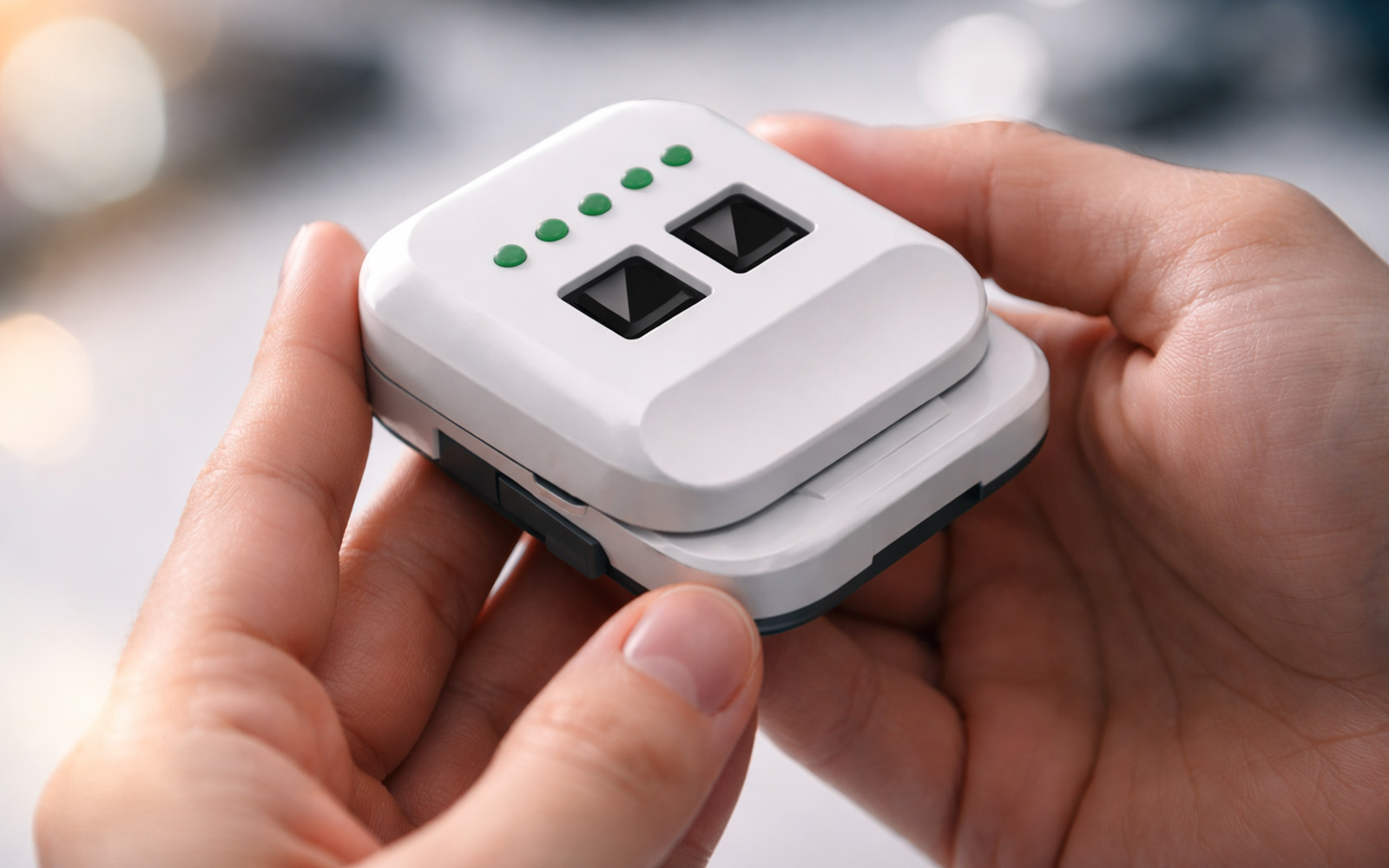
Prototyping a wearable with the people who'd actually use it
The question wasn't just "does this work?" - it was "which version of this works best, and why?"
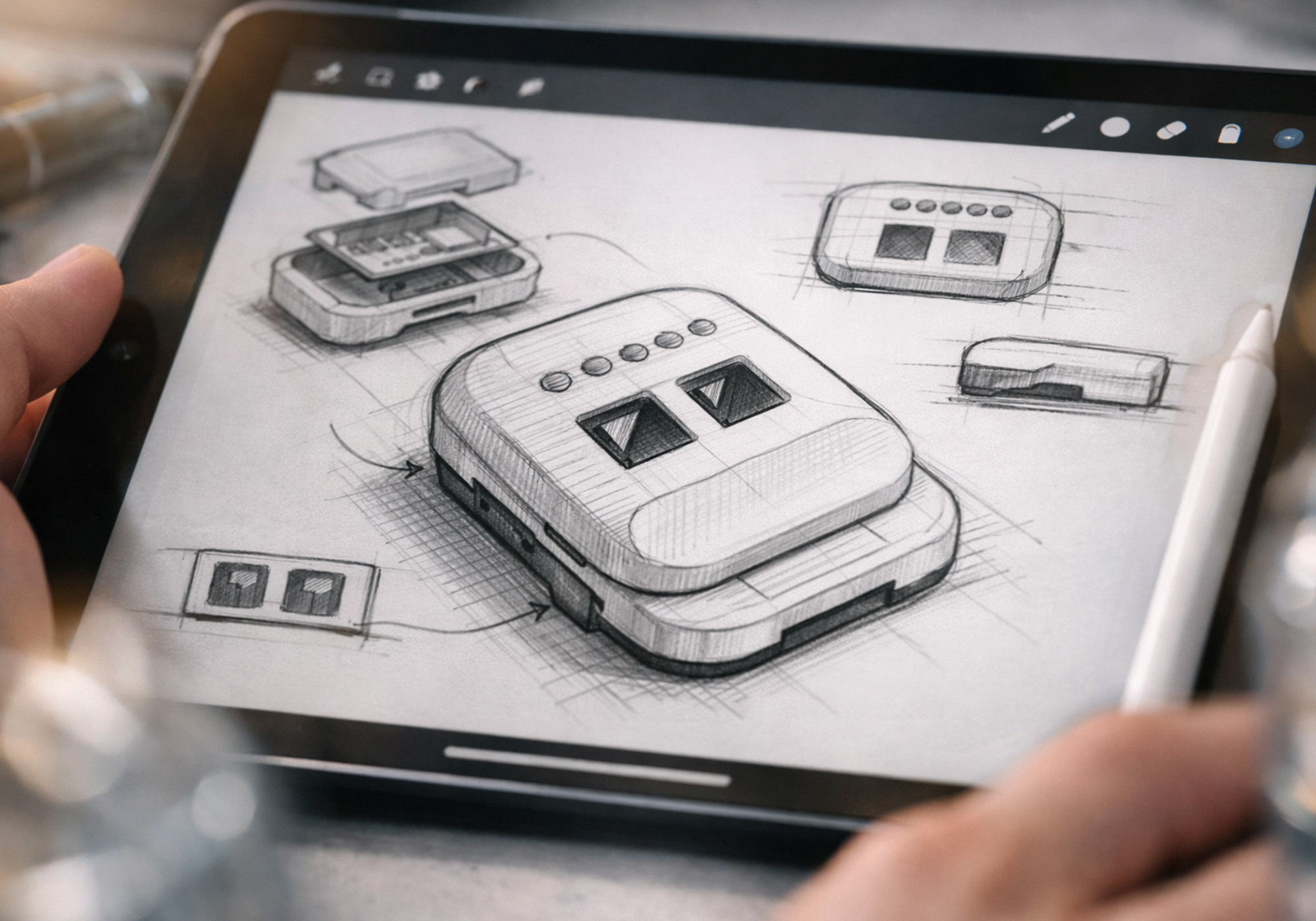
Starting with industrial design sketches, we explored ergonomics, wearability, and interaction models - how the device would sit on the body, how users would engage with it, and where friction might occur. From there, we developed detailed CAD models for each archetype, refining geometry, button placement, and surface treatment.
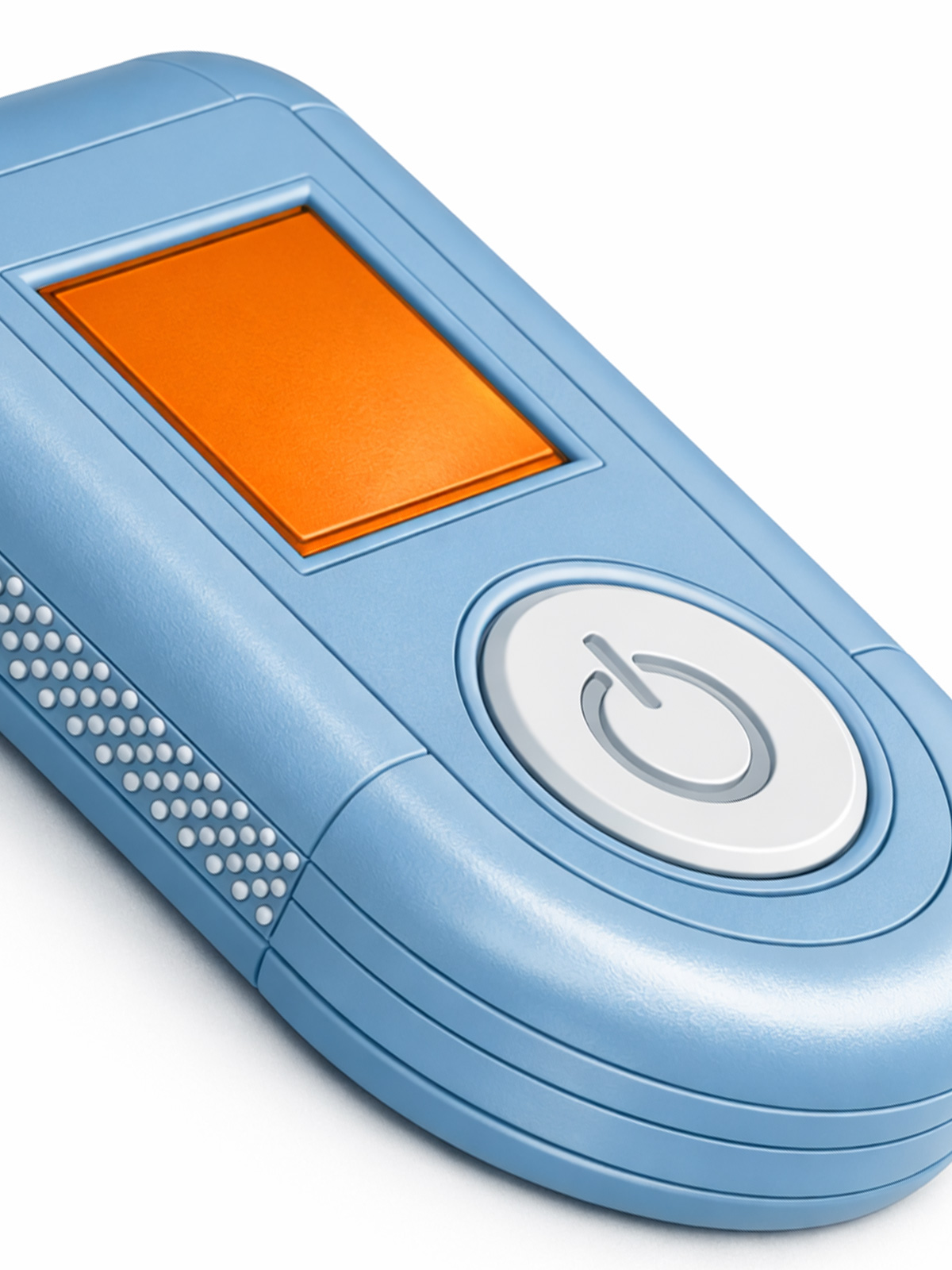
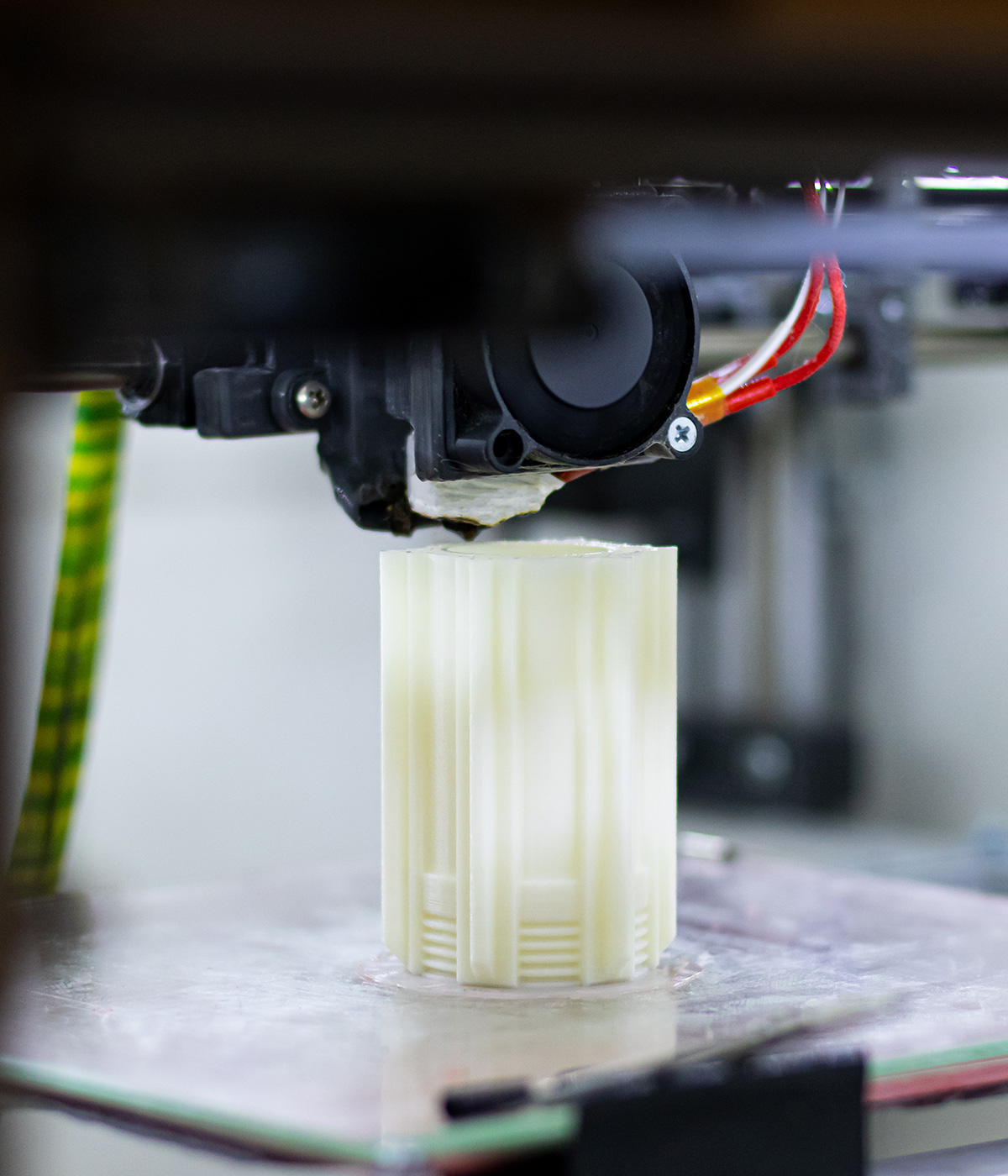
Each design was then 3D printed at 1:1 scale using materials selected to approximate the weight and feel of a production device. We incorporated functional elements - tactile buttons, moving parts, and adhesive - so participants could experience something close to reality, not just a static model.
Wearability and comfort - how the device felt on the body across different placements and durations
Interaction and usability - how intuitive each archetype was to operate, from first glance to repeated use
Design perception - emotional response, trust, and willingness to adopt
Supporting materials - packaging, instructions, and onboarding experience
Sessions were structured to capture both behavioural observation and direct feedback, giving the team quantitative comparison across archetypes alongside rich qualitative insight into user needs and concerns.
Most importantly, the team moved into the next phase of development with confidence - knowing the direction they'd chosen was grounded in how people actually responded, not how stakeholders imagined they would.
Let's Talk
Got something in mind? Let's talk it through.